The ATS-friendly resume isn't a hack — it's a format
What an ATS actually does with your resume, the four formatting rules that keep it from being silently rejected, and the one AI prompt that finds the exact keywords a job posting is scanning for.
An ATS-friendly resume is one built so a parsing system reads it correctly before a human ever does: a single-column layout, standard section headings, keywords pulled straight from the job description, saved as a .docx or a clean text-based PDF. Get any one of those wrong and most applicant tracking systems don't quietly dock you points for it — they misread a field, register no match, and file you away. No amount of good writing rescues a resume that never rendered as text in the first place.
Here's where most "beat the ATS" advice goes wrong: it treats the system like a puzzle to trick. It isn't. There's no beating an ATS — there's only passing it, by giving it exactly what it's built to read. That's a structural fix, not a hack, and it's the whole difference between a resume that reaches a human and one that never does.
The hiring funnel has two gates before anyone decides anything
A resume doesn't go straight from sent to judged. It goes apply → machine screen → a 6–8 second human scan → interview → offer — and the first two gates test completely different things. The ATS asks one narrow, mechanical question: does this file, parsed as text, match the words in the posting? The recruiter who opens whatever survives that is doing something else entirely — scanning, not reading, for about as long as it takes to read a text message.
Different gates need different keys. This piece is about the first one, on purpose: nothing you do to win the six-second scan matters if the file never gets that far.
What an ATS actually does with your resume
An applicant tracking system parses your resume into structured fields — name, dates, job titles, skills, education — then checks that structure against the keywords in the job description. That's the whole job. It isn't evaluating your career story, your tone, or your taste in fonts. It's running a parsing job and a match score, in seconds, with nobody watching.
That's exactly why clever design backfires. A two-column layout, a skills sidebar, a headshot, a name treated as a logo graphic, an icon standing in for the word "Phone" — a human reads all of that instantly. A parser often can't. Columns get read left-to-right straight across the page, so your dates and titles get scrambled together. Text baked into an image isn't text to a parser; there's nothing there to extract. None of this lowers your score. It produces a blank or scrambled field where your last job title should be — which reads as no match, filed away silently, before any human gets a vote.
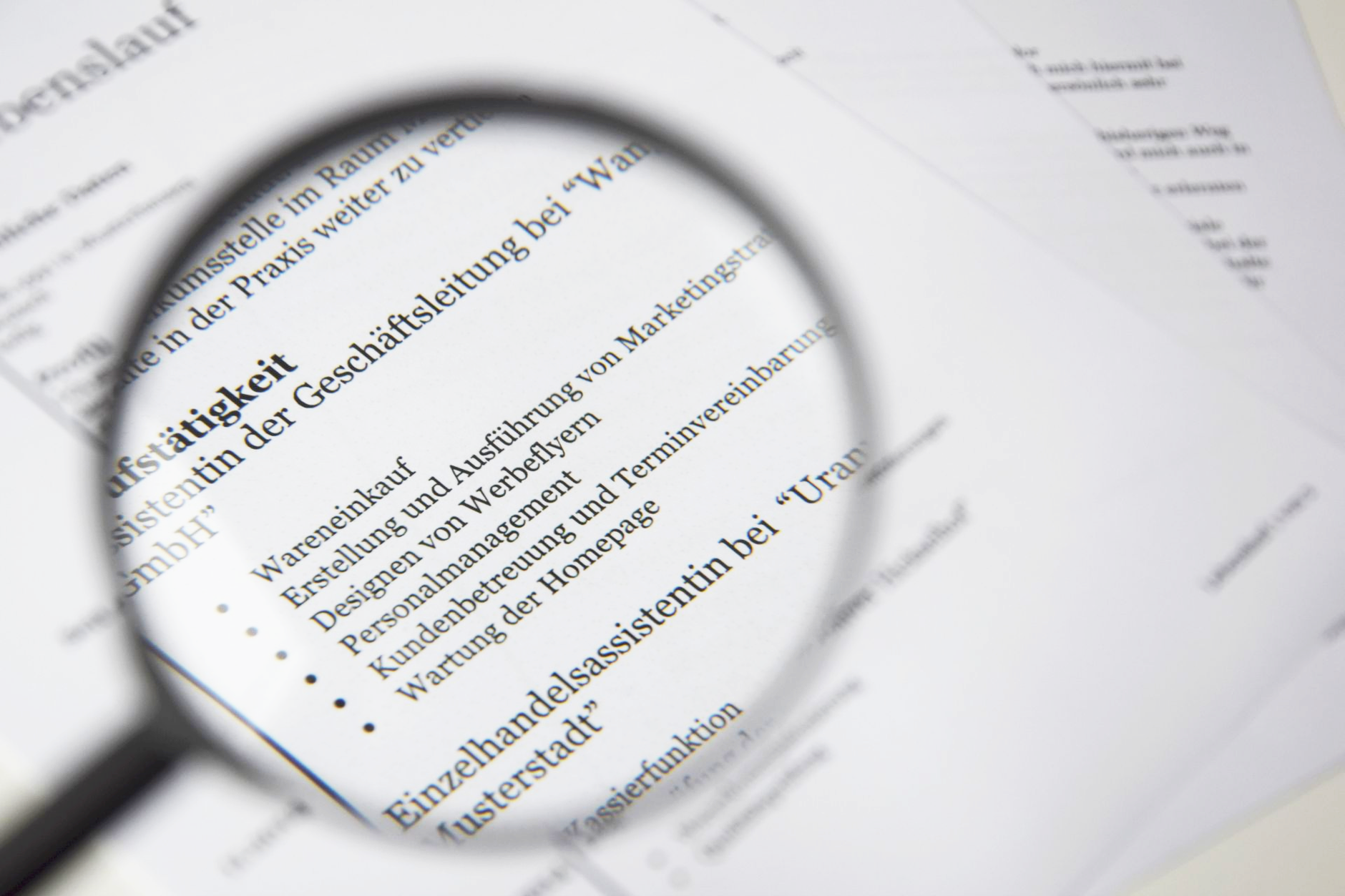
The ATS-friendly resume format: four rules that aren't optional
Every rule here exists to remove one specific way a parser can misread you.
- Single column, standard order. No tables, no text boxes, no side-by-side sections. One column, top to bottom, the way the parser reads it.
- Conventional headings. "Experience," "Education," "Skills" — not "Where I've Been" or "My Toolkit." A creative heading is exactly the kind of thing a parser fails to categorize.
- Keywords in both forms. Pull them straight from the job description, and keep the full term and its abbreviation both — "Search Engine Optimization (SEO)," not just one — so you match whichever form the system happens to be scanning for.
- A file it can actually read. Submit a .docx, or a PDF with a real, selectable text layer — not a scanned image, not a design-tool export that quietly rasterizes your words into a picture of words.
You don't need a fancier ATS-friendly resume template. You need the plainest one that exists, filled with the right words in the right places.

Find your exact keywords with one prompt
Guessing at keywords is how people end up stuffing synonyms and hoping. Skip the guessing — paste the job description into an AI tool and ask it directly:
"Extract the 10 most important skills/keywords from this job description, ranked by importance."
That's the entire trick to how to pass ATS keyword matching: you're not inventing language, you're extracting exactly what the posting already values, ranked in order. Work that list — full terms and abbreviations both — into your skills section and your experience bullets, wherever they're actually true. As with using ChatGPT to edit a resume, let the tool find gaps, then write the final claims yourself.
Run the plain-text test before you apply
The fastest ATS check is to strip your resume down to plain text and inspect what survives. You can do it without buying another tool or template.
Paste a copy of the final resume into a plain-text editor and read it from top to bottom. Your name should appear first; headings should sit above their sections; every employer, title, date, and bullet should stay in order. If a sidebar lands inside a work bullet or an icon takes a contact detail with it, fix the source and repeat.
Then compare the plain text with the posting. Suppose the posting asks for “inventory management” and “cycle counts,” while your true bullet says, “Helped keep stock accurate.” A stronger version is: “Maintained inventory accuracy by completing weekly cycle counts and resolving discrepancies.” The rewrite names the real work in the employer's language without pretending you did something new. That is tailoring: translating evidence, not manufacturing it.
Finally, open the actual attachment—not the editable original—and confirm its text can be selected and copied. Check the filename, page breaks, dates, and contact details; a clean source can still become a broken export.
Why keyword stuffing backfires
The shortcut everyone's tempted by is hiding a wall of keywords in white text, or crammed invisibly into a margin, hoping the score goes up before a human ever sees the clutter.
It fools nobody twice. Parsing systems keep getting better at spotting text that doesn't belong to a real sentence, and the recruiter who gets you past the ATS will ask about anything sitting on that page. Keywords have to grow out of real experience — a skill you list has to survive you talking about it for two minutes. If it can't, it doesn't belong on the page, no matter what the job description asked for.
That's the real difference between passing the ATS and gaming it: one gets you an interview, the other gets you a question you can't answer in it.
Passing the machine just gets you to the next gate
Clear the parser and you haven't won anything yet — you've earned the 6–8 second human scan, a different test that rewards clarity over keyword density. That gate, and the ones after it, are a longer conversation than a formatting checklist can settle.
For that next gate, turn the evidence behind your bullets into reusable behavioral interview stories you can defend out loud.
Land the Offer with AI walks through the rest of that funnel — the human scan, the achievement-mining prompts, tailoring, interview prep — with the same rule this article ran on: nothing goes on the page, or gets said in the room, that you can't back up. An ATS-friendly resume just buys you the chance to prove it.
Frequently asked questions
How do I know if my resume is ATS friendly?
Your resume is likely ATS friendly if its text copies into a plain-text editor in the correct order. Check that contact details, headings, job titles, dates, and bullets survive; remove tables, text boxes, and icons that scramble or hide them.
Is PDF or Word better for an ATS-friendly resume?
A .docx file is safer when the application gives no preference, while a text-based PDF is usually fine when accepted. Follow the requested file type first, and confirm that PDF text can be selected and copied—a scanned PDF is only an image.
Should an ATS-friendly resume have two columns?
No, an ATS-friendly resume should use one column. Two-column designs can mix dates, skills, and experience during parsing, so keep every section in a simple top-to-bottom flow.
How many keywords should I put in an ATS-friendly resume?
Use every important job-description keyword that truthfully describes your experience, not an arbitrary quota. Put strong terms in relevant skills and bullets, but leave out any keyword you cannot support with a real interview example.